Ciphermail PDF Authenticator app
Ciphermail PDF Authenticator lets you generate a password for an encrypted PDF document you have received via Ciphermail. This is an example of such an email:
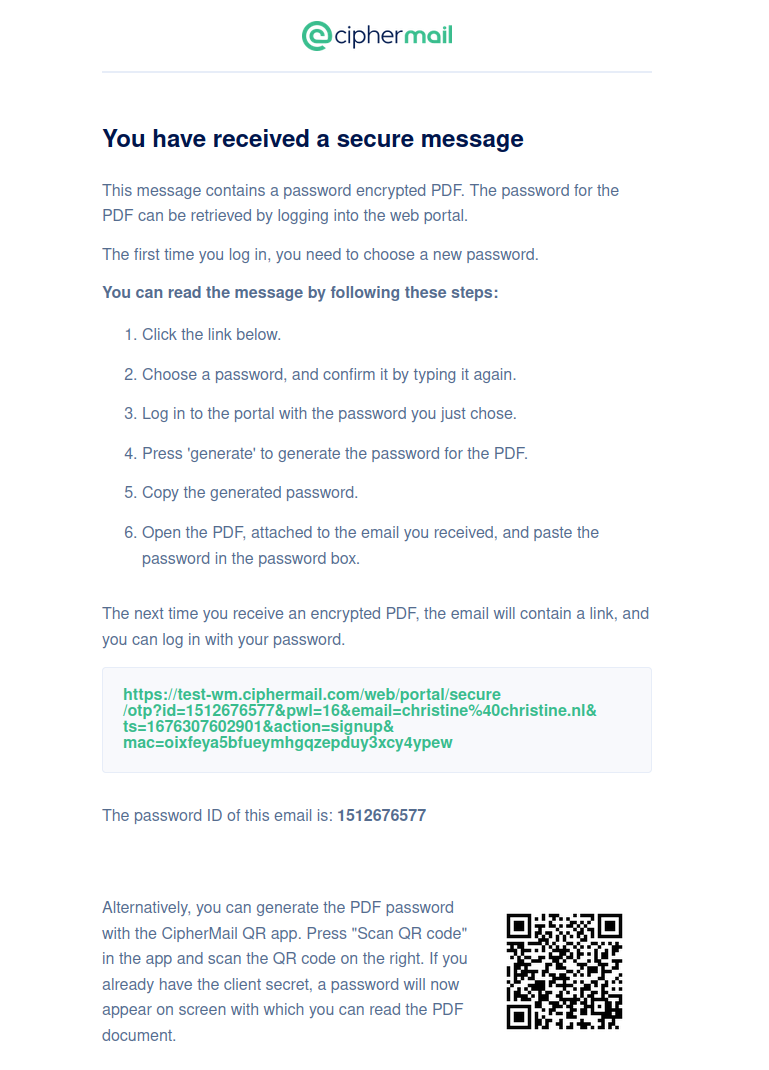
This email is generated by Ciphermail when someone wants to send you an encrypted message but they don't have your public key for S/MIME encryption. Ciphermail puts the original email in a PDF document and encrypts it with a one time password. The password is based on a master secret that Ciphermail shares with you before sending you the email.
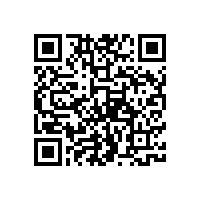 First, we need to import the master secret from which PDF passwords will be generated.
Open the app and press"Scan QR code". Scan the QR code on the right. The app will prompt you to save the master password. Press "Save master secret". After scanning the master secret, your app is ready to generate PDF passwords.
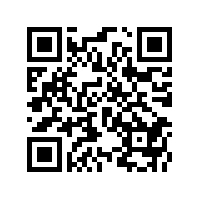 Now, scan the second QR code (on the left) by pressing "Scan QR code". the app will now show you the password ID "123" and the password
for PDF document "doc_123.pdf". Open the PDF, when prompted for a password, type the password that the app generated. You
can now read the contents of the PDF document.
Now, scan the second QR code (on the left) by pressing "Scan QR code". the app will now show you the password ID "123" and the password
for PDF document "doc_123.pdf". Open the PDF, when prompted for a password, type the password that the app generated. You
can now read the contents of the PDF document.
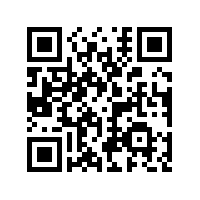 In the same way, you can use the third QR code to unlock PDF document "doc_456.pdf".